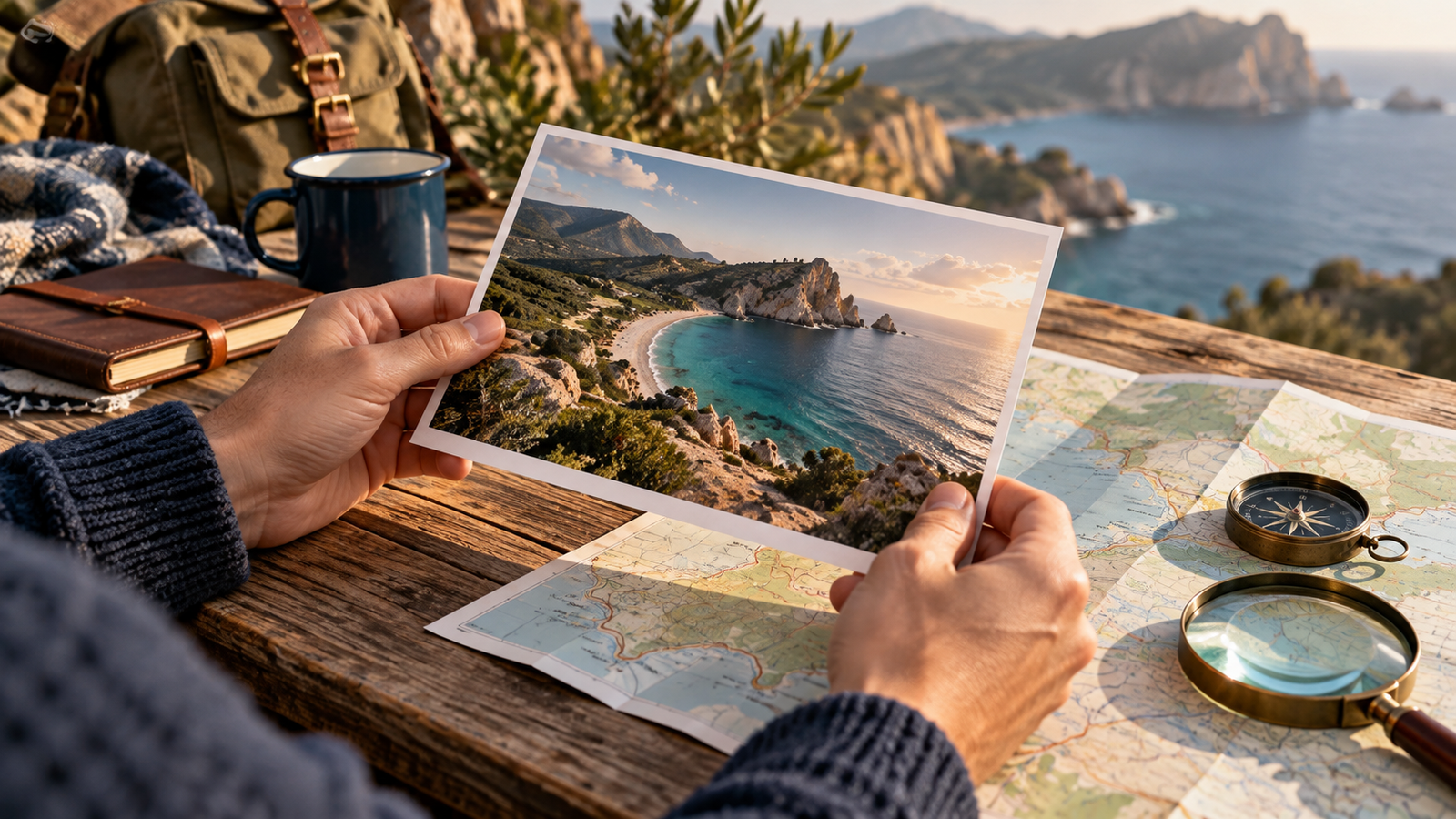
To spot AI generated travel photos, start by checking the source, looking for earlier versions, comparing the claimed location with independent references, and asking for the original file. Visual oddities and detector results can help you decide what to investigate, but they cannot establish the truth on their own.
Separate two questions: does this picture accurately represent the destination, and how was the image made? A real photograph can have a misleading caption, an old date or an edited background. An AI illustration might depict a real location but still not show an actual view. Your conclusion should match the question you can support.
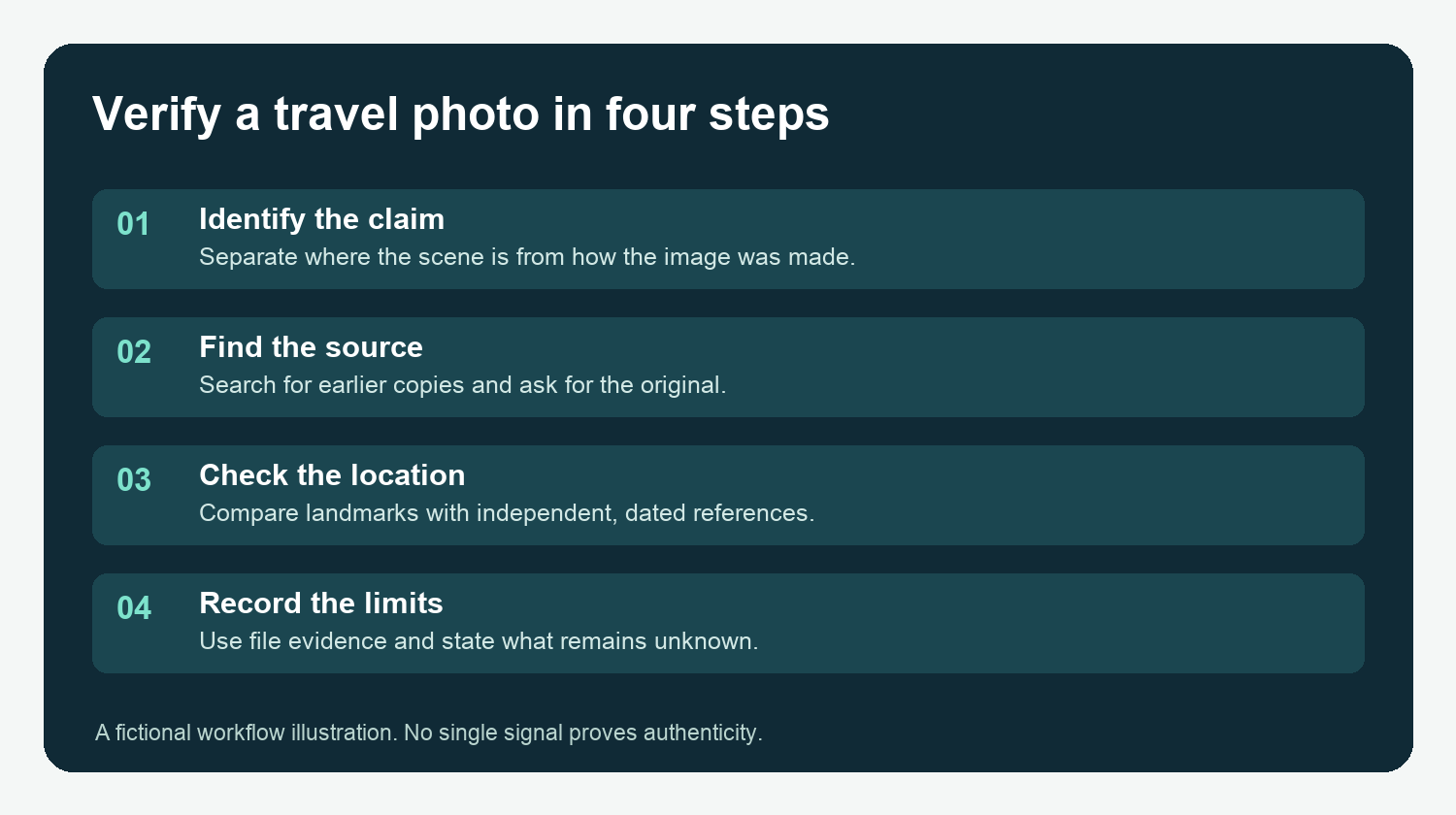
What exactly does the travel photo claim?
Before searching, note the name of the place, the claimed viewpoint, the date and the source of the claim. A hotel image, for example, may imply that a beach view is visible from a room. That is a different claim from whether the beach exists somewhere nearby.
Save the page URL, publication date when available, and a copy of the image for your private review. Keep the caption with it. A later repost may strip context or attach a new location to an old image.
I would avoid a quick “real or fake” label here: the practical decision may be whether the view, timing or accommodation matches a booking claim, even if the photo itself began in a camera.
How can you find the original source?
Use Google's search-by-image workflow to upload a copy, paste an image URL or search from a web page. Results may include similar images and pages using the image. Search a distinctive crop as well as the full frame, because reposts can be resized or reframed.
Open promising results and compare their dates, captions and publisher context. A search result's displayed date is a lead, not a guaranteed first publication date. The first result you find may itself be a repost. Look for an identifiable creator, a source page with context, or a credible account that can explain the image's origin.
If the image was supplied by a business, ask for the original image, the viewpoint and the date. An inability to supply them leaves a question open; it is not proof of deception. Before uploading someone else's image to a search service, consider privacy and the service's data practices.
How do you check the claimed location?
Look for the same fixed features in several independent sources: the shape of a coastline, street layout, building positions, mountain profile or bridge. Compare the camera angle and distance instead of expecting every image to look identical. Use official destination maps, dated ground-level imagery where available and other independently sourced photographs.
Allow for changes in season, light, weather, construction and editing. A landmark that differs from another view is a question to resolve; it is not automatically an AI artifact. Check whether the reference image is actually from the same location and time period.
Consider this fictional example: a resort advertises a photograph as a private balcony view. Your map and independent street-level images show the same coastline, but none establishes what can be seen from that balcony. You can say the coastline looks consistent while the balcony-view claim remains unverified. Do not infer an AI origin or make an accusation from that gap.
| What you observe | Useful follow-up | What remains uncertain |
|---|---|---|
| The same image appears under two place names | Check older posts, context and identifiable landmarks | Which caption is accurate without more evidence |
| The landscape matches but the viewpoint is unclear | Ask for a dated view from the claimed position | Whether the promised view exists |
| A reflection or structure looks unusual | Compare an original and independent views | Whether an edit, perspective or generation caused it |
| A detector reports an AI signal | Check source, file and provenance | The true production history without corroboration |
What can the original file and credentials tell you?
If you obtain an original, inspect available EXIF and XMP fields for camera, date, location and editing clues. Our image metadata guide gives a practical workflow. Ordinary metadata is editable, and missing metadata is common in copies; neither a camera label nor missing fields settles the question.
Then check for Content Credentials using the AIFakeScan C2PA checker or another compatible verifier. AIFakeScan uploads the file and retains it privately until you delete the upload; the checker does not fetch remote manifests. The Content Authenticity Initiative describes how to inspect credentials. A validated credential can help you evaluate signed provenance information, but it does not independently prove the destination claim. No credential found is not proof of AI generation.
If the original is private or contains GPS data, obtain permission before sharing it and avoid publishing sensitive location information.
Can visual clues and detectors identify AI travel photos?
Look for details worth checking: inconsistent signs, repeated windows, unusual reflections, impossible geometry or a background that conflicts with independent views. Each can have other explanations, including perspective, compression, panorama stitching or ordinary editing. Do not rely on a single odd detail.
An AI image detector can provide another signal. AIFakeScan's visual signals remain inconclusive during beta; trusted source evidence may support a stronger finding. A detector cannot verify a hotel room's view or identify a location on its own. If the result conflicts with source evidence, investigate rather than averaging the answers. See AI-generated photo vs real photo for the distinction between camera-origin, AI-edited and fully generated images.
What if the evidence is incomplete?
Keep the conclusion specific and proportionate. “The place appears consistent with independent views, but I could not verify the room view” is a useful finding. “The image is AI” requires evidence about production, not just a mismatch with the caption. If the image affects a booking, ask for a current, dated image of the exact view and confirm the conditions with the provider before committing.
Record the source links, the file version tested, any credential or detector result, and what remains unknown. Return to the claim if you later obtain the original or a better independent reference.
FAQ
Can I identify an AI travel photo just by looking at it?
Not reliably. Visual anomalies can suggest questions, but perspective, editing and compression can also produce unusual details. Check the source and independent location evidence.
Does a real destination mean the photo itself is authentic?
No. A real location can appear in an old, edited, misleadingly captioned or generated image. Check the particular view and claim as well as the location.
How do I find earlier copies of a travel image?
Search the full image and distinctive crops with a reverse image search tool, then open results to compare publisher context and dates. The earliest result you find is not necessarily the original.
Can missing metadata prove a travel photo was generated by AI?
No. Metadata can be absent from a copy for many reasons. Record what you found and seek the original or corroborating evidence.
What should I do if I cannot verify a hotel view?
Ask the provider for a current, dated image from the specific room or viewpoint and confirm the booking conditions. If evidence remains insufficient, describe the view as unverified.